The Complete Guide to Choosing the Best Work Management Software in 2026
Choosing work management software used to mean picking a project tool and living with it. In 2026 the stakes are higher: the platform you choose decides how many apps your team logs into, how much data you re-type between them, and how quickly a plan turns into finished work. This guide breaks down what work management software actually is, the features that matter now, and a practical framework for choosing one that scales with your business instead of holding it back.
Key takeaways
- Work management is broader than project management, it covers the whole lifecycle of work, not just one project.
- Consolidation is the 2026 differentiator, the best platforms put projects, sales, chat, and AI on shared data.
- Choose from your real workflows, not a feature checklist, and pilot on a live process before committing.
- Free-to-start, scales-up beats rip-and-replace: pick a platform your team won't outgrow in a year.
What is work management software?
Work management software is a platform that helps a team plan, organize, execute, and track all of its work in one place. Where a task app manages a to-do list and a project tool manages a single deliverable, work management covers the entire flow of work across a company, from the first idea on a planning canvas to the tasks that deliver it, the conversations around it, the deals that fund it, and the reports that prove it worked.
The category exists because most teams don't do their work in neat, isolated projects. They run ongoing operations, hand work between departments, and switch context dozens of times a day. Work management software is designed to hold all of that in a single connected system so nothing falls through the cracks between tools.
Work management vs. project management vs. task management
These three terms get used interchangeably, but they describe different scopes, and knowing the difference is the fastest way to avoid buying the wrong tool.
- Task management handles individual to-dos, checklists, due dates, and assignees. It answers "what do I do next?"
- Project management handles a defined initiative with a start and end, using boards, timelines, dependencies, and milestones. It answers "how do we deliver this project?"
- Work management is the umbrella. It handles tasks and projects, but also the ongoing operational work, cross-team collaboration, and the systems around delivery, sales, communication, planning, and reporting. It answers "how does the whole team run?"
Every project is work, but not all work is a project. If you only need to ship one campaign, a project tool is fine. If you're running a business, you want a work management platform that connects the delivery to everything around it. For a deeper look at the delivery layer, see our guide to project management in RUQN.
The 8 features the best work management software has in 2026
Feature lists blur together on marketing pages, so here is what actually separates a platform that a team adopts from one that gets abandoned after a month.
1. A unified workspace
The single most important feature isn't a feature at all, it's whether everything lives together. A unified workspace means projects, tasks, documents, conversations, and customer data share one system and one source of truth. When they do, a plan can become a project and a project can become a report without anyone copying data between apps.
2. Flexible boards and multiple views
Teams work differently, so the best tools let you see the same work as a kanban board, a table, a timeline, or a calendar. Custom columns, statuses, priorities, owners, and due dates let a single row tell the whole story of an item without opening it.
3. Real-time collaboration
Comments, mentions, and built-in chat keep the conversation next to the work instead of scattered across email and a separate messaging app. When discussion lives beside the task, context never gets lost. This is where a platform with native team collaboration pulls ahead of a bolt-on chat integration.
4. Automation
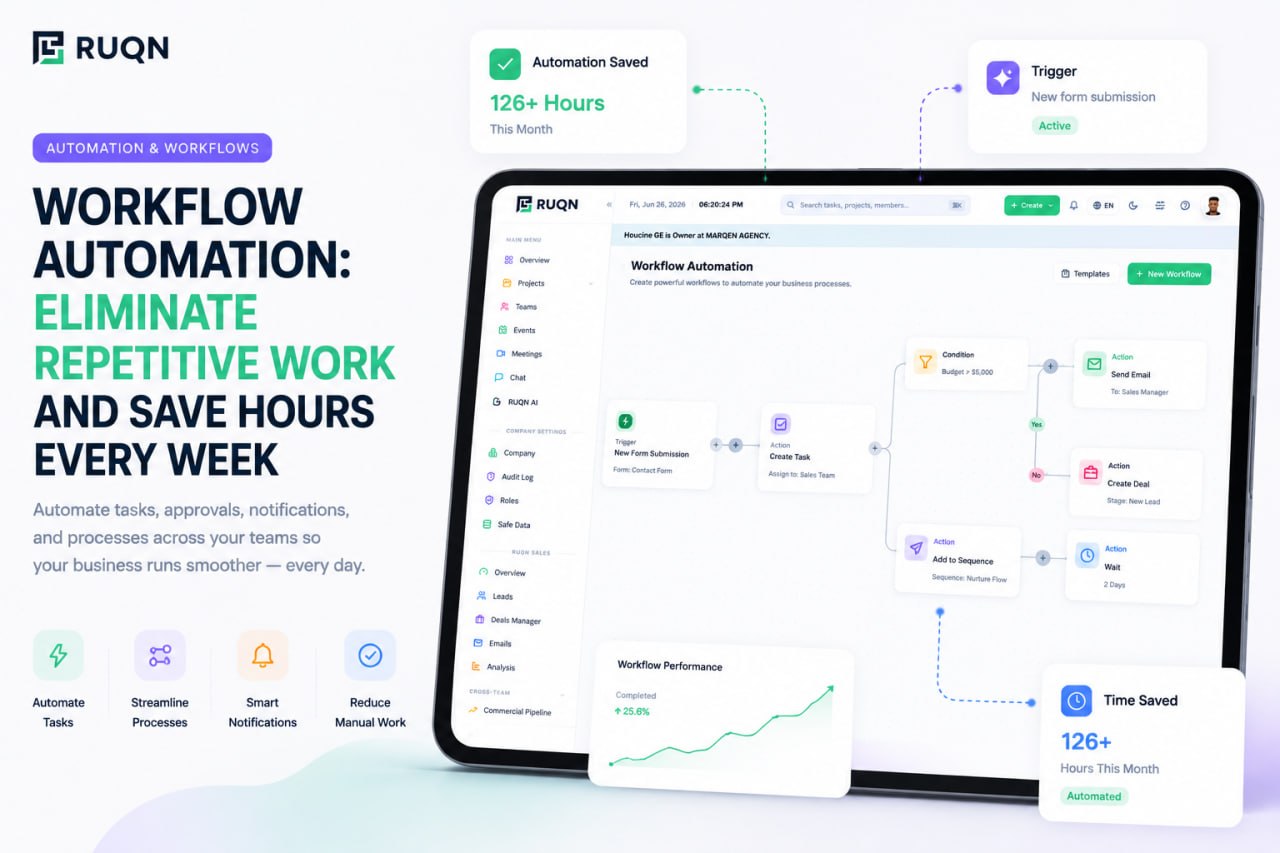
Routine steps, status changes, notifications, assignments, and hand-offs, should run themselves. Good automation removes the low-value busywork that quietly eats hours every week and frees the team for the work that actually needs a human.
5. Dashboards and reporting
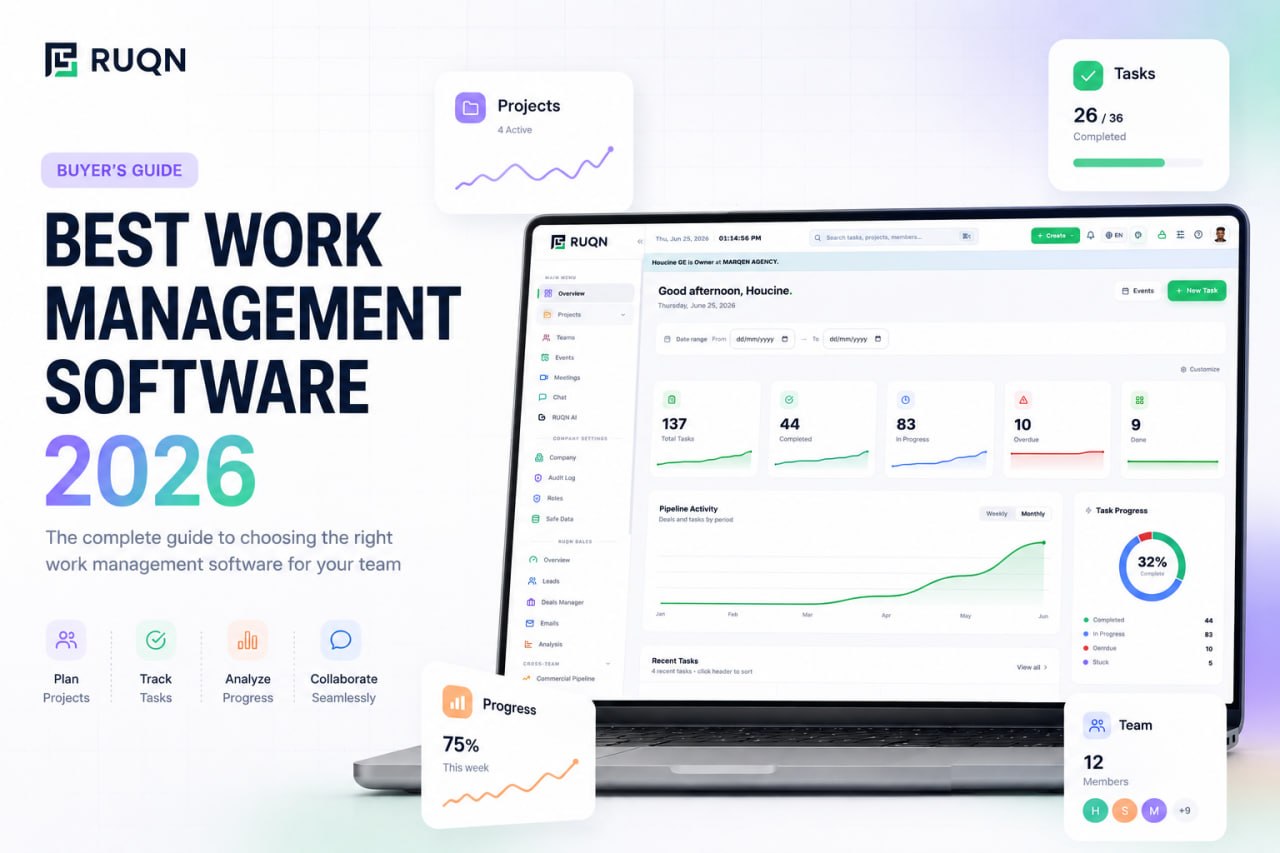
Leaders need to see progress without asking for a status update. Live dashboards that read directly from the work, not a spreadsheet someone updates by hand, turn scattered activity into a clear picture of what's on track and what's at risk.
6. Built-in AI
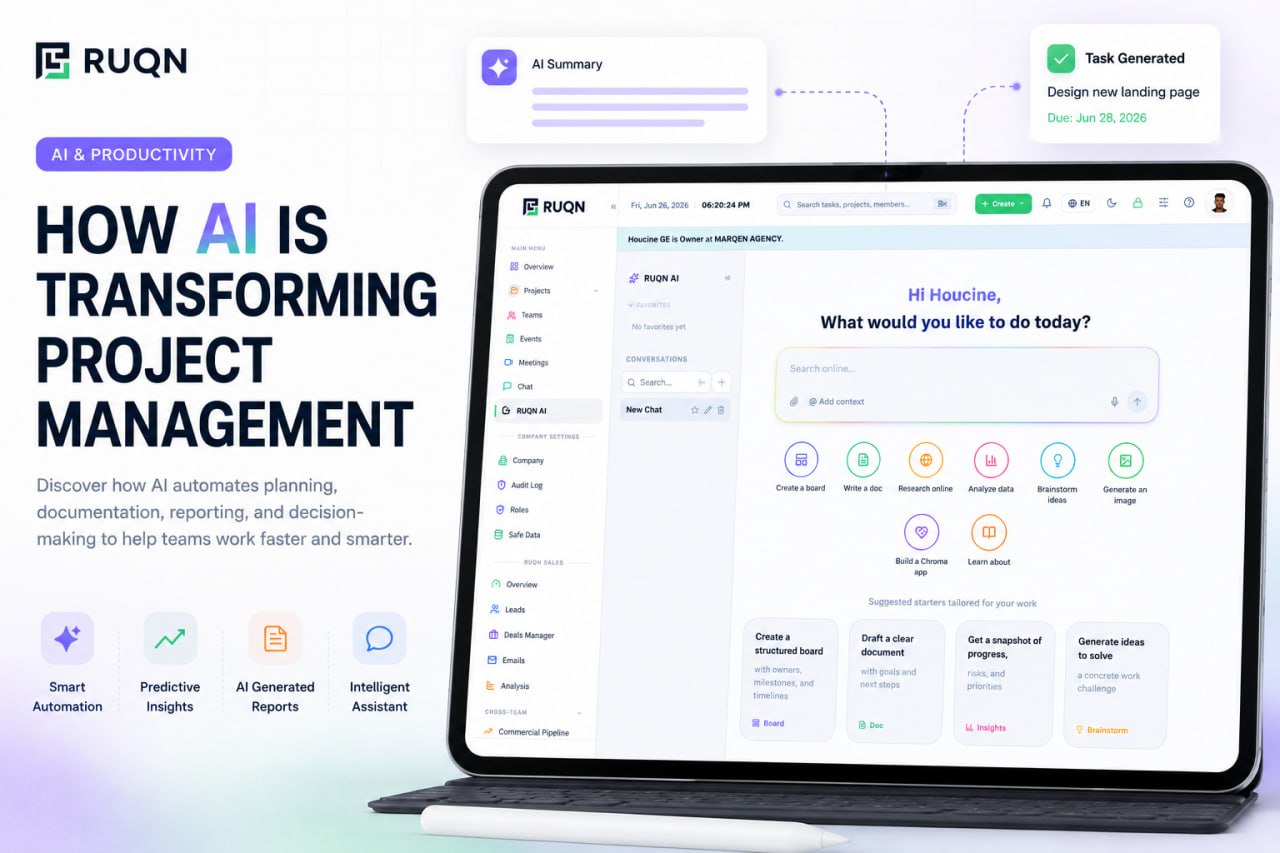
In 2026, AI stops being a novelty and becomes infrastructure. The valuable kind is agentic and works on your real data: it can create and update tasks, draft outreach, summarize a project, and extract information from attached files, all within your permissions. See how RUQN AI works inside a live workspace.
7. Native sales and CRM
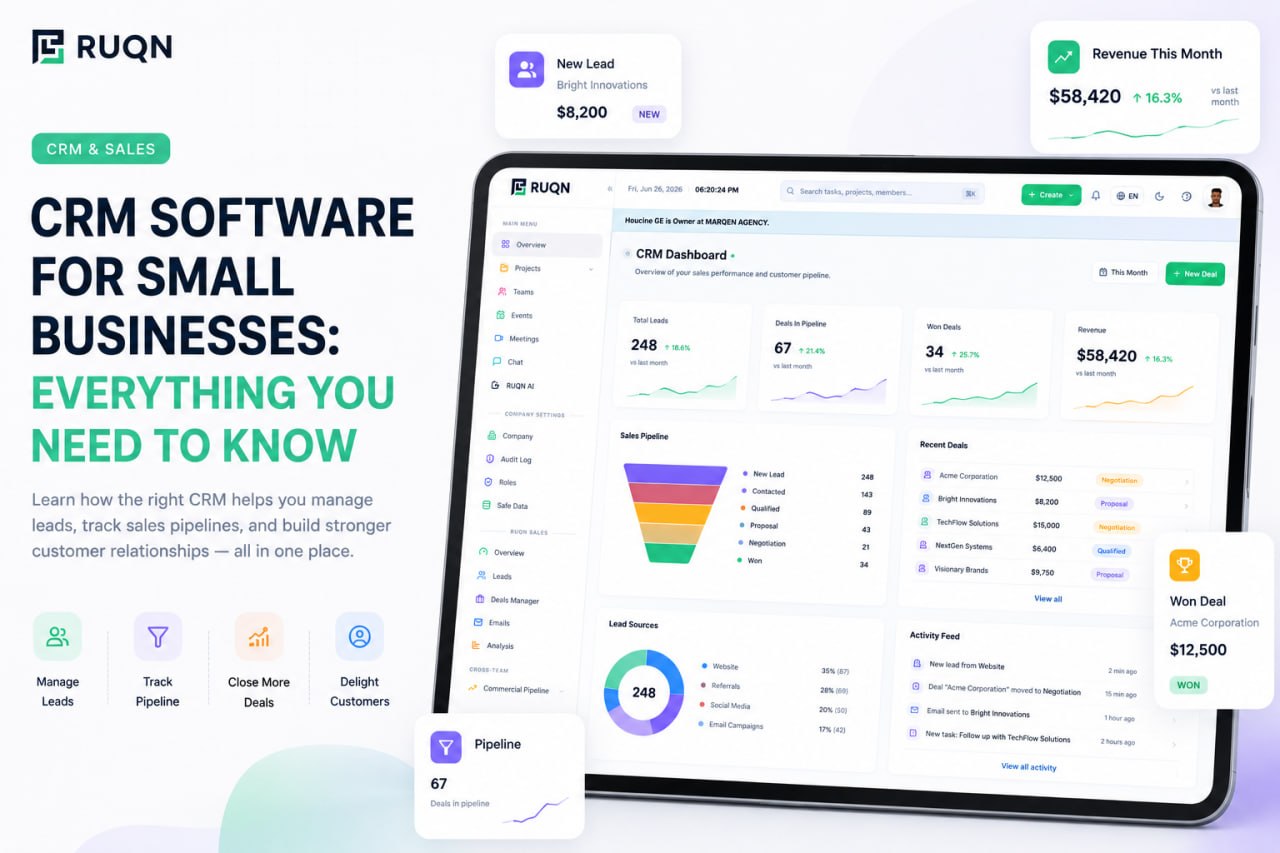
The line between "work" and "revenue" is artificial. When a sales CRM lives in the same platform as your projects, a closed deal flows straight into delivery with all of its context intact, no re-keying, no lost details.
8. Secure integrations
No tool is an island. The best platforms connect cleanly to the apps you keep, respect enterprise-grade security and permissions, and never force you to choose between openness and control.
How to choose the right work management software
The mistake most teams make is starting from a feature comparison. Start from your work instead. This five-step framework keeps the decision grounded in what you actually do.
- Map your real workflows. Write down the three or four processes your team runs most often. The tool has to fit these, not the other way around.
- Map who needs to see what. Access and visibility break more rollouts than features do. Make sure the platform's permissions match your team structure.
- Score consolidation. Count the apps you pay for today. A strong candidate should replace several of them, not add a tenth login.
- Test adoption speed. If your team needs a week of training, most people will quietly go back to spreadsheets. Favor tools that feel obvious on day one.
- Pilot on a live workflow. Run one real process, end to end, for two weeks before you commit. Demos hide friction that a real pilot exposes immediately.
Common mistakes to avoid
- Buying for features you'll never use. A long feature list is not the same as a good fit. Complexity you don't need is a tax on adoption.
- Ignoring the total cost of tool sprawl. Five cheap tools that don't talk to each other cost more, in money and lost time, than one platform that does.
- Choosing a tool you'll outgrow. Picking for today's team size means another painful migration in a year. Choose something that stretches to fit.
- Underestimating data silos. If sales, projects, and communication live in separate apps, someone spends their day copying between them, and the copies go stale.
Why teams are consolidating on all-in-one platforms
The clearest trend in 2026 is consolidation. Teams are tired of paying for a CRM here, a board tool there, a chat app, a scheduler, and an AI add-on, then spending more energy syncing those tools than doing the work. The platforms winning today are the ones that put everything on shared data.
The best work management software in 2026 isn't the one with the most features, it's the one where your projects, sales, conversations, and AI already know about each other.
This is exactly the problem RUQN was built to solve. It brings project management, a full sales CRM, team collaboration, meetings, planning, and agentic AI into one connected workspace, and lets you rename, restructure, and reshape it to fit your exact workflow. From your first signup the pipeline, the work, and the conversation already live together, so there's nothing to integrate and nothing to migrate later. If you're weighing platforms, our RUQN vs Monday and RUQN vs ClickUp comparisons show how an all-in-one approach stacks up against point tools. You can also start free, with no time limit, and scale up as the team grows.
Frequently asked questions
What is work management software?
It's a platform that helps teams plan, organize, execute, and track all of their work in one place. Unlike single-purpose project tools, work management spans the full lifecycle, from planning and tasks to collaboration, reporting, sales, and AI, so a team runs everything from one connected workspace instead of stitching together separate apps.
How is work management different from project management?
Project management delivers a defined project with a start and end. Work management is broader: it covers ongoing operational work, cross-team collaboration, and the systems around delivery such as CRM, chat, and reporting. Every project is work, but not all work is a project.
What features should the best work management software have in 2026?
A unified workspace, flexible boards with multiple views, real-time collaboration, automation, dashboards and reporting, built-in AI, native sales and CRM, and secure integrations. The biggest differentiator is consolidation, one platform where projects, sales, conversations, and AI share the same data.
Is work management software worth it for small businesses?
Yes. Small teams feel tool sprawl the hardest. An all-in-one platform with a free plan lets a small business run its pipeline, projects, and communication together from day one, then scale without ripping anything out later.
How do I choose the right work management software?
Start from the work you actually do. Map your core workflows and who needs to see what, score each tool on fit, adoption speed, consolidation, and scalability, then pilot on a real workflow for two weeks before you commit.